
A long, conversational query in Search Console is not proof that the visitor used an AI answer. The wording describes the question; it does not identify the interface that produced the click.
Google's reporting has changed since early AI Overview guides were written. Use the reports actually available in your property and keep their definitions separate from external-assistant monitoring.
Check for the generative AI report
Google announced dedicated generative AI performance reports in June 2026, initially rolling them out to a subset of sites. The Search report covers impressions associated with supported generative features, including AI Overviews and AI Mode.
The current report documentation describes page, country, date, and device dimensions. Check availability in your property and use the documented fields rather than assuming you can extract every query or citation detail.
Keep the overall search performance report alongside this view. The dedicated report is an additional way to examine a portion of search visibility, not a reason to discard the broader dataset.
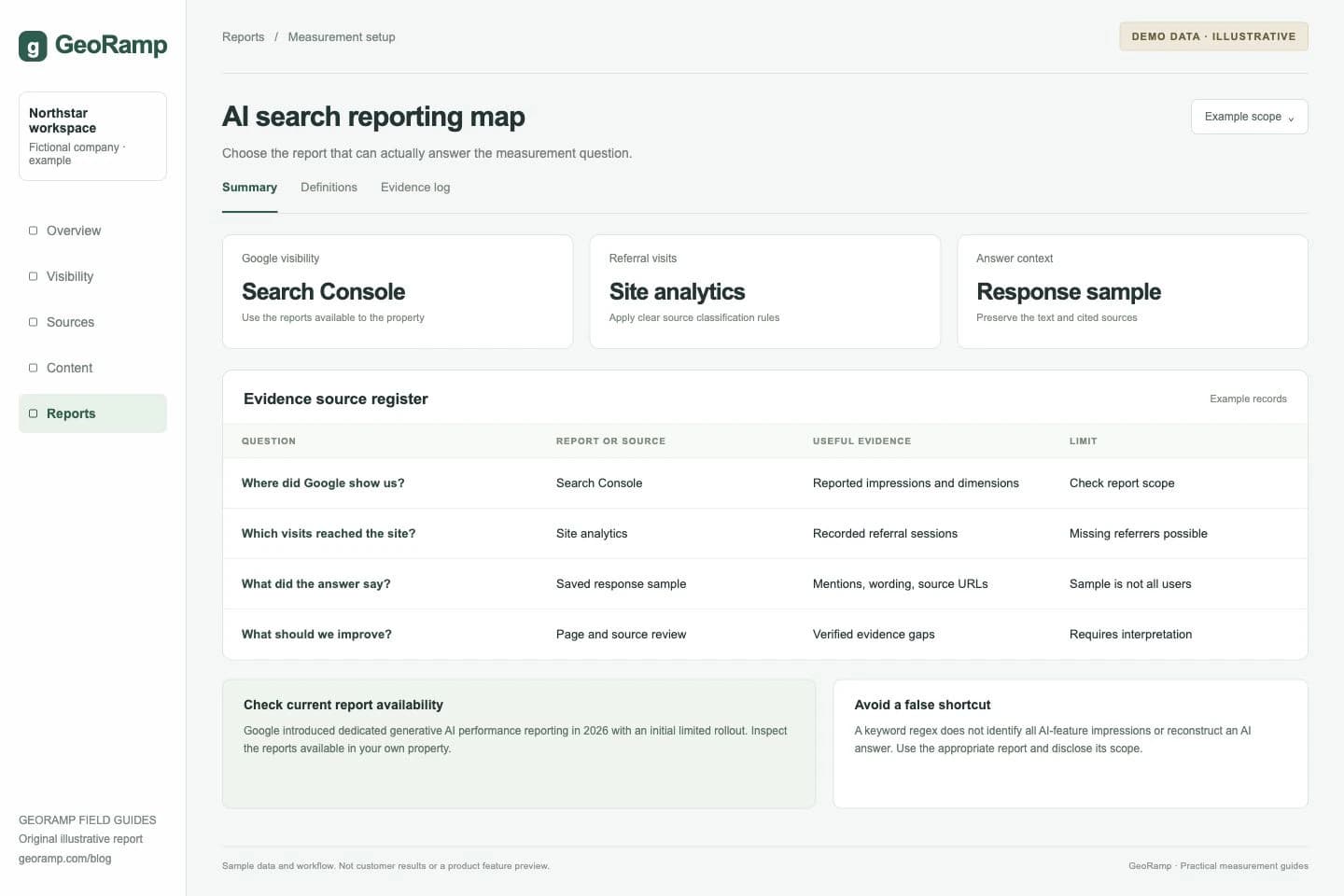
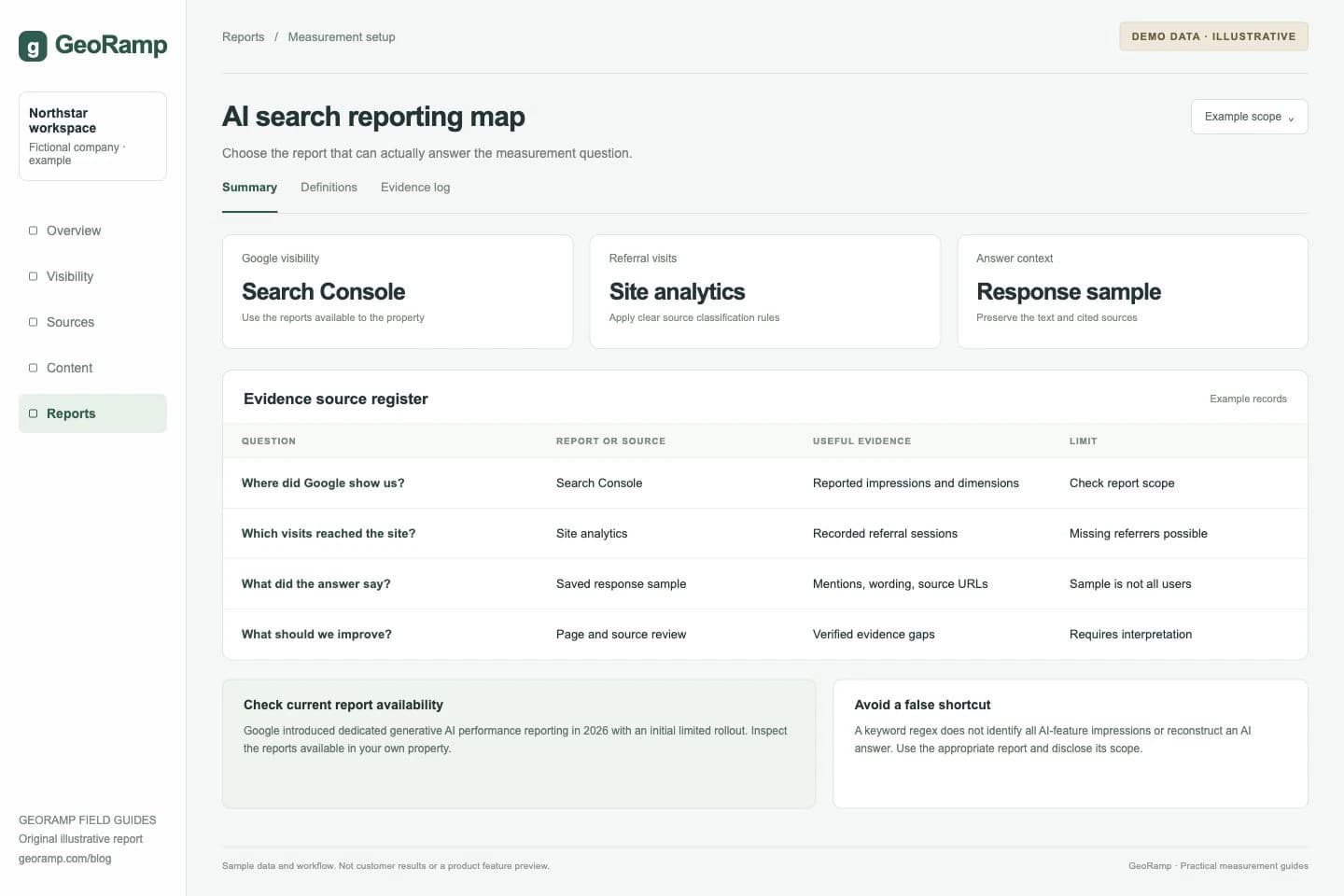
Illustrative report with fictional data and workflow examples. This is not a customer result or a preview of a specific product screen.
The illustrated reporting plan is an example workspace, not a screenshot of Google's interface or GeoRamp customer data. It assigns a question to the appropriate data source.
Understand what a query filter can tell you
A regex filter can group question-like queries for content research. For example, a pattern targeting “how,” “what,” or “which” can help inspect a class of questions when supported by the report's filtering syntax.
It cannot establish that those searches triggered an AI Overview or that a resulting click came from an AI feature. Short queries can produce generated answers; long queries can produce conventional results. Keep the filtered dataset labeled by the query pattern, not by an inferred AI source.
Use these groups to find unanswered questions and landing pages worth reviewing. For actual AI feature observations, use the appropriate first-party report or a documented query sample.
Keep external assistants outside the Google dataset
A referral from ChatGPT or Perplexity is not a Google Search click simply because the visitor eventually reaches the same page. Inspect external referrals in your analytics and retain the source information actually provided.
Some discovery will not result in a trackable referral. Users may copy a URL, return later, or encounter a brand without clicking. Supplement identifiable sessions with buyer feedback and prompt observations without pretending they form a complete attribution model.
Respect aggregation and missing data
Page-level totals and property-level totals can differ because they aggregate events differently. Do not assume a summed table must always reproduce a chart without first checking the report's rules.
Preserve missing or unavailable data when exporting and comparing reports. A missing measure is not evidence of no visibility. Record date ranges, time zones, filters, and any changes to report availability.
Build a combined review
Use Search Console for Google's observed search performance, analytics for identifiable sessions and on-site outcomes, and a prompt tracker for repeatable answer and source observations. Join them by page and period where useful, while retaining each dataset's meaning.
An increase in impressions after an edit does not establish which sentence caused it. Inspect the page, query or prompt cohort, and competing sources before assigning credit.
The AI Overview tracker guide covers conditional citation rates. The keyword visibility report provides a compact way to keep these measurements together without mixing them.